


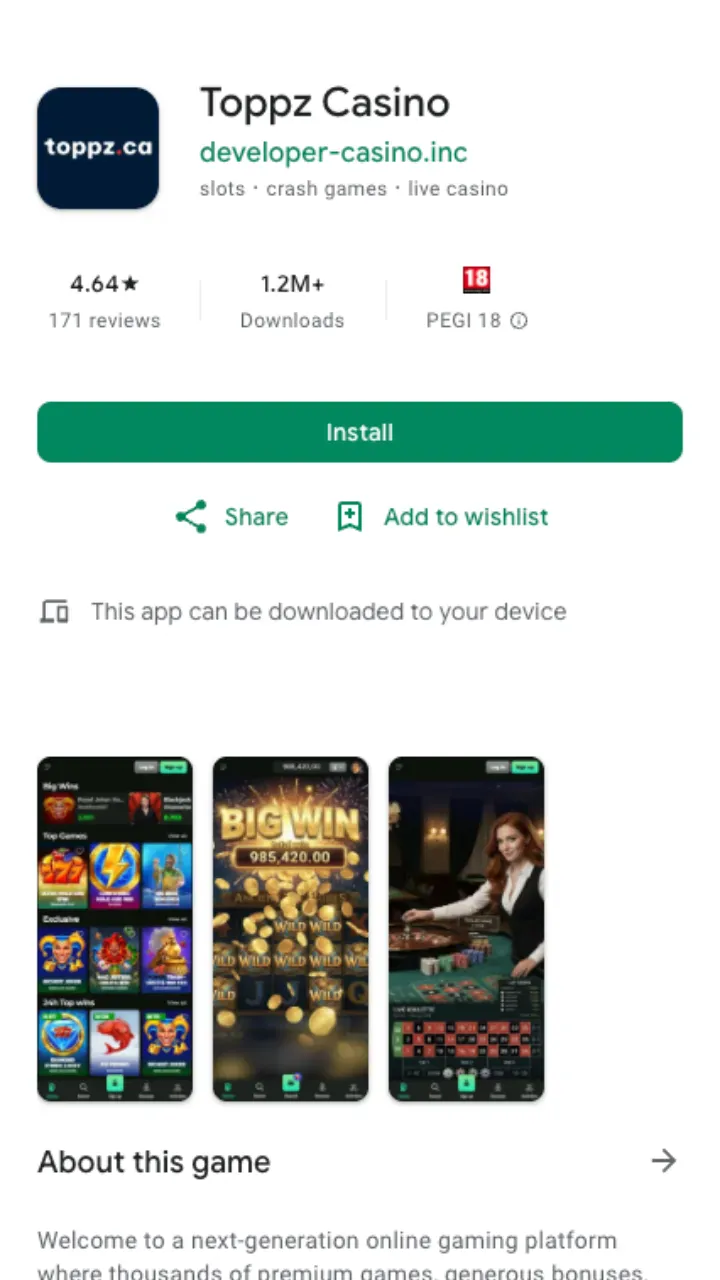
Most Canadian players open a casino on their phone first and never touch a desktop. Toppz Casino is built for that. Instead of shipping a heavy native package, it runs as a mobile web app you save straight to your home screen, so you skip the store queue and start playing in about a minute. Everything from your desktop account carries over: the same balance, the same bonuses, the same catalogue from Pragmatic Play, Evolution, Hacksaw Gaming, Play'n GO, Yggdrasil, Playtech and Novomatic.
Android install in four steps
Android users get a shortcut that behaves almost exactly like a downloaded app. You do not need to hunt for an APK on a sketchy mirror or flip any risky security toggles.
- Open the mobile site in Chrome on your Android phone.
- Tap the three-dot menu in the top corner.
- Choose Add to Home screen (or Install app if the prompt appears).
- Confirm the name and the Toppz icon lands on your home screen.
From then on it opens full-screen with no browser bar. Tap it, log in, done.
iOS: Safari and the home screen
iPhone and iPad work the same way through Safari. Apple keeps real-money gambling apps out of the Canadian App Store, so a home-screen shortcut is how you get there and it costs you nothing in features.
- Open Toppz Casino in Safari.
- Tap the Share button (the square with the upward arrow).
- Scroll down and pick Add to Home Screen.
- Name it, tap Add, and the icon appears alongside your other apps.
One caveat worth flagging: use Safari, not Chrome, on iOS. The Add to Home Screen option only shows up in Safari.
What you get on mobile
The mobile app is not a stripped-down cousin of the desktop site. It is the same casino in a phone-shaped frame. Here is what carries over.
| Feature | On the app |
|---|---|
| Slots library | 10,000+ titles, same as desktop |
| Live casino | Evolution and Playtech tables, streamed in portrait |
| Welcome offer | Full C$750 + 200 FS, claimable in-app |
| Deposits | From C$10 (C$20 to trigger the bonus) |
| Withdrawals | From C$20, crypto near-instant after approval |
| Support | Live chat 24/7, email 24/7 |
Performance and the honest downsides
Because it is a web app, you skip the storage hit of a native install and updates happen server-side. No pending download, no version chasing. Games load in portrait, buttons sit within thumb reach, and the live tables stream without the desktop clutter.
It is not flawless, though. There is no true offline mode, so a dead signal means no play. iOS users lose the shortcut if they clear Safari data and have to re-add it. And on older phones with limited RAM, the busiest live tables can stutter during peak hours. None of that is a dealbreaker, but you should know before you assume it matches a downloaded native app.
Sign in and account access
Your login is shared across every device. Set the account up once, and the phone shortcut just reads the same credentials. New here? Create an account on the registration page, verify your identity when prompted, and you are ready. Existing players jump straight to login. First withdrawal will ask for KYC documents, usually a photo ID and proof of address, cleared in 24 to 48 hours.
Deposits and payouts from your phone
The cashier runs the same on mobile. Fund from C$10, or C$20 if you want the welcome bonus live. Cash out from C$20 with crypto landing near-instantly after approval, Interac and e-wallets inside 24 hours, and cards taking one to three business days. Full method list and limits sit in the payments section at the foot of the page.
Licensed by the AGCO, Toppz Casino runs the mobile experience under the same rules as the desktop site. Bet what you can afford to lose, and if a session stops being fun, step away.